Wi-Fi 7 Explained: What It Is and Do You Need It?
Wi-Fi 7 brings 320 MHz channels, 4K-QAM and Multi-Link Operation. Here's what those mean, how Wi-Fi 7 compares with Wi-Fi 6 and 6E, and whether to upgrade.

In this article
- What is Wi-Fi 7?
- The key Wi-Fi 7 features, explained simply
- 320 MHz channels
- 4K-QAM
- Multi-Link Operation (MLO)
- Smarter channel sharing
- Wi-Fi 7 vs Wi-Fi 6E vs Wi-Fi 6 vs Wi-Fi 5
- Will Wi-Fi 7 make my internet faster?
- Do you need Wi-Fi 7? A quick checklist
- Is Wi-Fi 7 backward compatible?
- What to look for when buying a Wi-Fi 7 router
- Frequently asked questions
- Is Wi-Fi 7 faster than Wi-Fi 6?
- Do I need new devices to benefit from Wi-Fi 7?
- Is Wi-Fi 7 good for gaming?
- What comes after Wi-Fi 7?
- The bottom line
Wi-Fi 7 is the newest mainstream generation of Wi-Fi, known technically as IEEE 802.11be. It builds on Wi-Fi 6 and 6E with wider 320 MHz channels, denser data encoding and a headline feature called Multi-Link Operation that lets devices use several bands at once. The result is higher peak speeds, lower and steadier latency, and better performance in busy homes, but only if your devices and internet connection can take advantage of it.
Here is what Wi-Fi 7 changes, how it compares with older Wi-Fi generations, and how to decide whether upgrading your router is worth it.
What is Wi-Fi 7?
Wi-Fi generations are defined by the IEEE (the engineering body that writes the 802.11 standards) and certified by the Wi-Fi Alliance, which tests products for compatibility. The Wi-Fi Alliance introduced its Wi-Fi CERTIFIED 7 program in 2024, and routers, phones and laptops carrying the label have been arriving since.
Like Wi-Fi 6E, Wi-Fi 7 can use three frequency bands: 2.4 GHz, 5 GHz and 6 GHz. Access to the 6 GHz band depends on local regulations, so availability and the amount of spectrum vary by country.
The key Wi-Fi 7 features, explained simply
320 MHz channels
Think of a channel as a highway. Wi-Fi 6 tops out at 160 MHz-wide channels, while Wi-Fi 7 doubles that to 320 MHz in the 6 GHz band. The Wi-Fi Alliance says this provides twice the throughput of Wi-Fi 6. The catch: 320 MHz channels need clear 6 GHz spectrum, and both your router and device must support them.
4K-QAM
QAM (quadrature amplitude modulation) is how Wi-Fi packs data into a radio signal. Wi-Fi 7 moves from 1024-QAM to 4096-QAM, usually written as 4K-QAM, which carries more bits per transmission. The Wi-Fi Alliance puts the gain at about 20% higher transmission rates than Wi-Fi 6. It works best when your device is close to the router with a strong, clean signal.
Multi-Link Operation (MLO)
This is the most important practical change. With older Wi-Fi, a device connects on one band at a time. With MLO, a Wi-Fi 7 device can connect over multiple bands simultaneously, for example 5 GHz and 6 GHz, and spread or switch traffic between them. That can boost throughput and, just as importantly, reduce lag spikes when one band gets congested or interference appears.
Smarter channel sharing
Wi-Fi 7 also lets a router assign multiple resource units to a single device and work around interference within a channel, rather than abandoning a whole wide channel when part of it is busy. You will not see these features in settings menus, but they help keep connections efficient in crowded apartment buildings.
Wi-Fi 7 vs Wi-Fi 6E vs Wi-Fi 6 vs Wi-Fi 5
The table below compares the generations. Peak speeds are theoretical maximums that assume ideal lab conditions and the widest channels and most antenna streams the standard allows. No phone or laptop gets close to them.
| Wi-Fi 5 | Wi-Fi 6 | Wi-Fi 6E | Wi-Fi 7 | |
|---|---|---|---|---|
| IEEE standard | 802.11ac | 802.11ax | 802.11ax | 802.11be |
| Bands | 5 GHz (2.4 GHz via older standards) | 2.4 and 5 GHz | 2.4, 5 and 6 GHz | 2.4, 5 and 6 GHz |
| Max channel width | 160 MHz | 160 MHz | 160 MHz | 320 MHz (6 GHz) |
| Highest modulation | 256-QAM | 1024-QAM | 1024-QAM | 4096-QAM |
| Multi-Link Operation | No | No | No | Yes |
| Commonly cited theoretical peak | About 3.5 Gbps | 9.6 Gbps | 9.6 Gbps | About 46 Gbps |
Real-world speeds are far lower. Most phones and laptops use two antenna streams, and walls, distance and neighboring networks all eat into performance. Still, a Wi-Fi 7 phone or laptop near a Wi-Fi 7 router on a clean 6 GHz channel can deliver multi-gigabit speeds that older generations struggle to match.
Will Wi-Fi 7 make my internet faster?
Only up to a point. Wi-Fi carries data between your devices and your router. Your internet plan determines how fast data flows between your router and the rest of the internet. If you pay for 300 Mbps, a Wi-Fi 7 router will not make websites load at 3 Gbps.
Where Wi-Fi 7 helps even on a modest plan:
- Consistency: MLO and better channel handling can reduce the random lag spikes that ruin video calls and online games.
- Busy households: Many devices streaming, gaming and backing up at once get more capacity to share.
- Local transfers: Copying files to a network drive, streaming from a home media server or backing up to a NAS can run much faster than your internet speed.
- Mesh systems: Wi-Fi 7 mesh nodes can use the extra capacity to link to each other, improving speeds in far rooms.
Do you need Wi-Fi 7? A quick checklist
Upgrading makes the most sense if several of these are true:
- You have, or plan to get, a multi-gigabit internet plan (roughly 1 Gbps or faster).
- You already own, or will soon buy, Wi-Fi 7 phones, laptops or tablets.
- Your current router is Wi-Fi 5 or older, or it struggles with the number of devices in your home.
- You care about low-latency gaming or cloud gaming, where steady connections matter more than raw speed.
- You need a mesh system to cover a large or multi-story home.
If your devices are mostly Wi-Fi 5 or Wi-Fi 6, your plan is under 500 Mbps and your current router covers your home well, there is no rush. A good Wi-Fi 6 or 6E router remains perfectly capable, and Wi-Fi 7 hardware tends to get cheaper over time.
Is Wi-Fi 7 backward compatible?
Yes. A Wi-Fi 7 router works with older Wi-Fi devices, which simply connect using the features they support. You do not need to replace everything at once. Older devices will not gain Wi-Fi 7 features, but they may still benefit indirectly if newer devices finish their transfers faster and free up airtime.
What to look for when buying a Wi-Fi 7 router
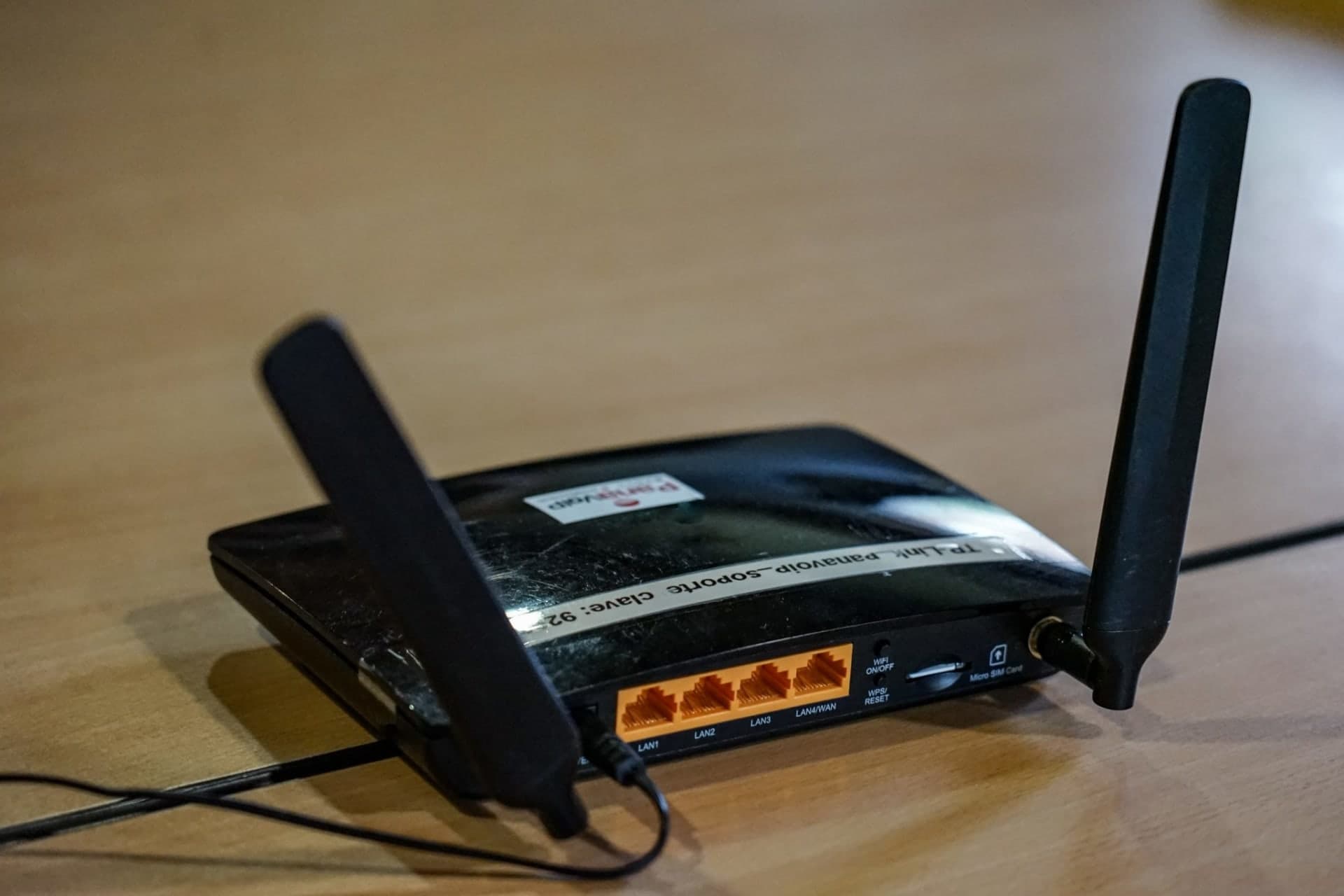
- Tri-band with 6 GHz: Some cheaper Wi-Fi 7 routers are dual-band only (2.4 and 5 GHz), which means no 320 MHz channels. Check the spec sheet for 6 GHz support.
- Multi-gig Ethernet ports: To pass multi-gigabit internet through, look for at least one 2.5 Gbps (or faster) WAN port and ideally a multi-gig LAN port for a desktop or NAS.
- Security support: Make sure WPA3 is supported, as it is required for the 6 GHz band, and that the manufacturer has a track record of firmware updates.
- Coverage needs: 6 GHz signals do not travel through walls as well as 5 GHz or 2.4 GHz. In larger homes, a mesh system may serve you better than a single powerful router.
Once your new router is set up, take ten minutes to lock it down. Our step-by-step guide to securing your home Wi-Fi router covers passwords, updates and the settings worth changing.
Frequently asked questions
Is Wi-Fi 7 faster than Wi-Fi 6?
Yes, in both theory and practice, when both the router and the device support Wi-Fi 7 and the 6 GHz band is available. The biggest gains come from 320 MHz channels and Multi-Link Operation.
Do I need new devices to benefit from Wi-Fi 7?
To get Wi-Fi 7's speed and latency features, the device itself must support Wi-Fi 7. Older devices still work with a Wi-Fi 7 router but connect using their own, older standard.
Is Wi-Fi 7 good for gaming?
It can help, mainly by reducing lag spikes in congested environments. A wired Ethernet connection is still the most consistent option for competitive gaming.
What comes after Wi-Fi 7?
The next generation, Wi-Fi 8 (IEEE 802.11bn), is in development. The Wi-Fi Alliance says it focuses on reliability, including coordination between access points, rather than simply chasing higher peak speeds.
The bottom line
Wi-Fi 7 is a meaningful upgrade, bringing wider channels, more efficient encoding and Multi-Link Operation for faster, steadier connections. It shines with multi-gig internet, new devices and busy households. If your current Wi-Fi 6 setup works well, you can wait, but if you are replacing an older router anyway, Wi-Fi 7 is the generation to buy into. Explore more networking and gear explainers in our Gadgets section.


0 Comments
Join the discussion. Comments are moderated and your email is never published.